

WhatsApp button
One chat away from the next sale.
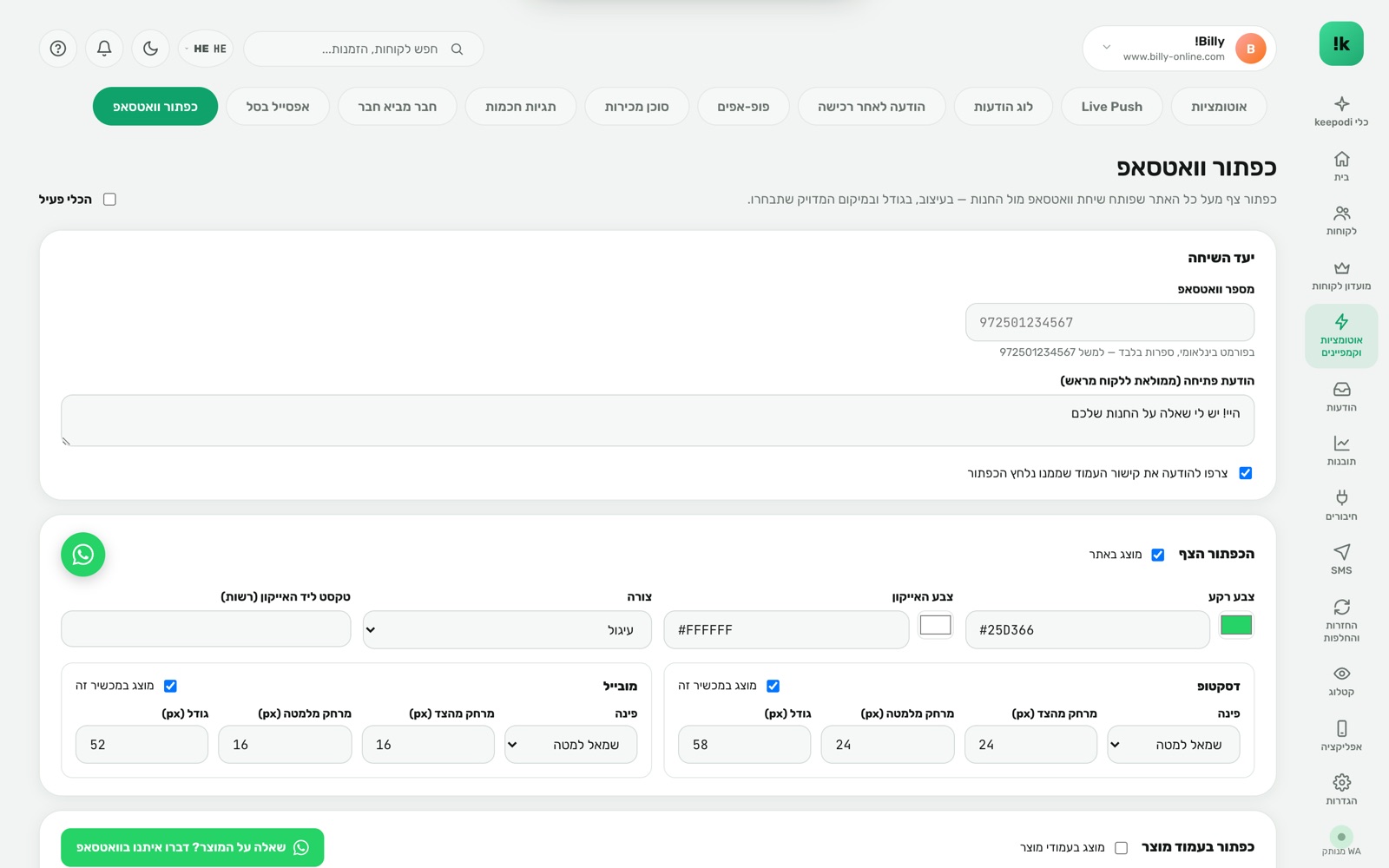
A floating WhatsApp button across the site, plus one on the product page, that open an instant chat with the store's number — with a prefilled opening message and the link of the page the customer came from. In the design and position you choose.
Built to work. For you.
Full design
Color, size, shape, text, exact position — mobile and desktop separately.
A product-page button
An extra button next to "add to cart" with its own text, sending the product name in the message.
A prefilled opener
"Hi, I have a question about…" with the page link. The customer just taps send.
The chat lands in the right place
The store's WhatsApp already connected to keepodi — or the AI agent if enabled.
Business hours
Show "we'll get back to you" outside hours, so nobody is disappointed.
Zero code
Enabled through the keepodi app embed. Switch on, design, done.
Three steps. And it runs.
Design
Colors, text, position. Live preview.
The customer taps
WhatsApp opens with a ready message and the page link.
You answer
From the phone, the desktop, or let the AI agent answer for you.
Questions, answered
Is it the same number as the automations?
Yes — the number you connected to keepodi. Every conversation with the customer stays in one place.
Can I hide it on certain pages?
Yes. At checkout, on specific pages, or mobile-only.
What if I have no AI agent?
The chat reaches the store's WhatsApp as usual and you reply manually.
Now in your store.
Install from the Shopify App Store in two minutes. 14-day free trial, billed through Shopify, cancel in one click.
Install from the Shopify App Store